Free AI Humanizer

Whether you're planning to improve SEO ranking or make your writing style like a real human, the AI text humanizer is an essential writing tool for content creators.

Original text
Result:

No result yet

Paste AI text on the left, then select Humanize to get a more natural version.

Humanize AI content perfectly to sound more human

Get started humanly written with natural language processing, so you’re always connected to all the high quality human content online you require.

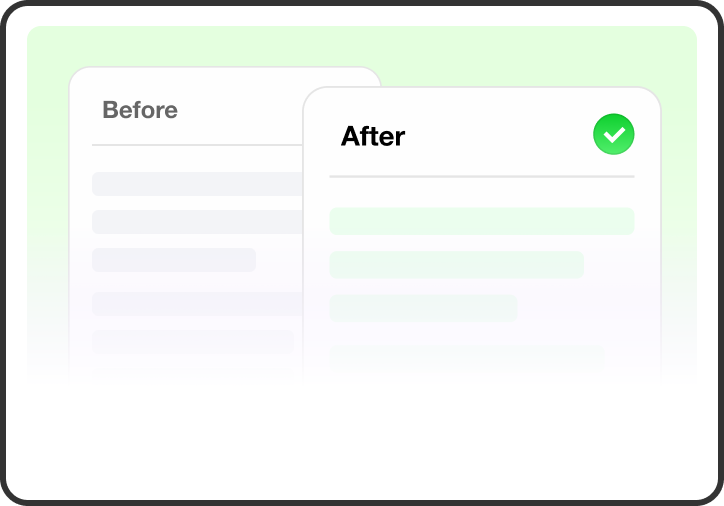
Meaning-Preserving Rewrite

A humanized draft still needs to say what the original was meant to say. Lunote rewrites around the existing context so facts, instructions and key claims remain recognisable while the language changes. The revised text can be compared with the first version, which matters when one small wording shift could alter a figure, citation or conclusion.
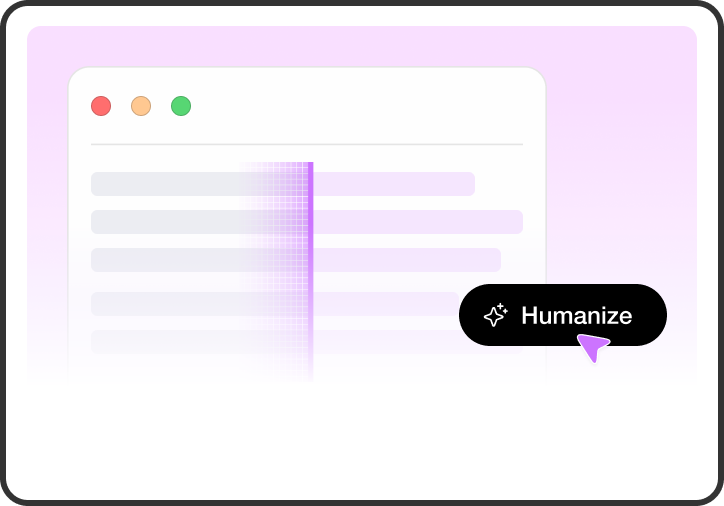
More Natural Tone

AI-generated text can sound formal even when the reader expects a simple explanation. The Lunote AI humanizer softens stiff wording and makes transitions less obvious without automatically turning the passage into slang. An email can feel more direct, a blog post less mechanical and a report clearer, while you still decide how the final voice should sound.

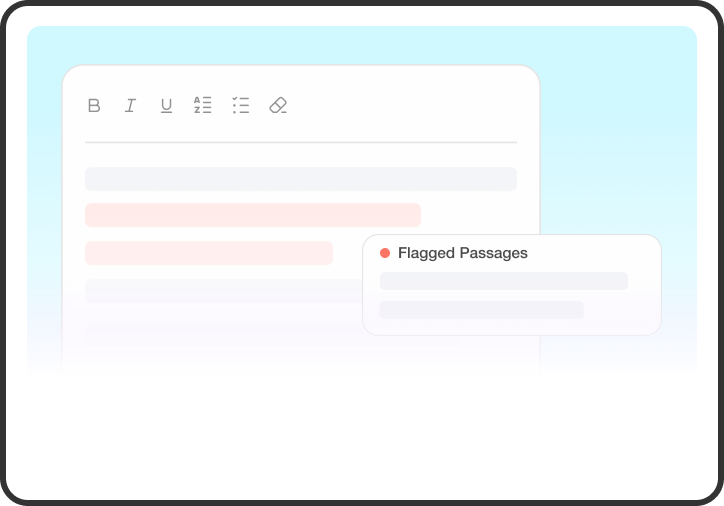
Sentence Pattern Variation

Several sentences with the same opening, length and rhythm can make a paragraph feel generated. Lunote changes repetitive structures and gives the writing more movement. Sometimes that means splitting one sentence; elsewhere, two short ideas belong together. The point is not random variation, but a passage that develops without repeating the same pattern.

Formulaic Phrase Rewrite

Generic openings and stock conclusions make unrelated drafts sound as though they came from the same template. The AI text humanizer can replace those phrases with simpler, more direct language. It also leaves space for the part only the writer can add: a real example, a specific opinion or evidence from the work behind the text.

Clarity and Readability Improvement

Humanizing a draft is often less about adding personality and more about removing friction. Long sentences can be tightened, vague verbs made clearer and repeated explanations reduced. Lunote keeps the result editable, so a student, writer, marketer or editor can decide which details need to stay and which ones are getting in the reader's way.

Editable Humanized Output

The rewritten text is a working version rather than a locked final answer. You can restore a detail, change the tone or remove a phrase that does not sound like you. Facts, names and citations still need a human check. That final edit is also where the passage stops being a general AI rewrite and starts reflecting the person who will publish it.

Humanize AI Text in Three Steps

Paste your draft, humanize the wording, and review a natural version that keeps your original meaning.

Start With the Full Draft

Paste a complete passage so the AI humanizer can follow the meaning and context.

Humanize the Text

Rewrite stiff or repetitive wording in one click.

Keep Your Meaning Intact

Check the facts, tone, and key details, then copy the version that sounds like you.

See What the AI Humanizer Changed

Compare the original and rewritten text, then review the changes before using the result.

Original draft

Why Active Recall Supports Learning

Active recall is a learning technique where you actively retrieve information from memory. This process strengthens understanding and improves long-term retention.

When you test yourself, you identify gaps in your knowledge. This allows you to focus your study time more effectively and avoid wasting time on material you already understand.

Research shows that active recall outperforms passive review. It leads to better performance on exams and helps you apply knowledge in real-life situations.

Humanized version

Meaning preserved

Why Active Recall Supports Learning

Active recall means bringing information to mind without looking at your notes. This effortful retrieval makes the material stick and improves how much you remember over time.

When you test yourself, weak spots become obvious. That insight helps you spend study time where it matters most, instead of re-reading what you already know.

Studies consistently show that active recall beats passive review. It boosts exam results and makes it easier to use what you’ve learned in real situations.

Passed 4/4 detectors

  • Turnitin
  • GPTZero
  • Originality
  • Copyleaks
92%Naturalness
96%Fidelity
90%Readability
  1. 1

    Read the Original

    Check the meaning, facts, and tone.

  2. 2

    Review the Rewrite

    See how the wording and flow changed.

  3. 3

    Use Your Version

    Make final edits, then copy the text.

Where an AI Humanizer Helps

Refine study, teaching, and content drafts while keeping the message clear and accurate.

Student

Refine Study Drafts

Improve your notes and drafts while keeping sources, facts, and citations intact.

Teacher

Improve Lesson Material

Turn rough drafts into clearer examples, handouts, and classroom explanations.

Content Team

Polish Working Drafts

Rewrite outlines, emails, and articles so the tone feels natural and consistent.

Frequently Asked Questions

An AI Humanizer is a tool that transforms AI-generated text into more natural, human-like writing. It improves sentence flow, adjusts word choices, adds a more authentic tone, and removes patterns commonly associated with AI-generated content while keeping the original meaning intact.

AI Humanizers are commonly used by students, writers, marketers, and businesses to make AI-assisted content sound more natural and engaging.