Editable Word Documents
Turn your PDF into an editable Microsoft Word document. Easily update text, revise paragraphs, add content, or reuse information without starting from scratch.
Convert PDFs into editable Word documents without complicated software or manual copy and paste. Lunote AI makes PDF to Word conversion simple, fast, and accessible from your browser.
< 50M
10M+Documents Processed
50 MBFile Size Limit
4.9User Rating
Turn your PDF into an editable Microsoft Word document. Easily update text, revise paragraphs, add content, or reuse information without starting from scratch.
Convert your PDF to Word online in just a few clicks. Spend less time waiting and more time working on your document.
Convert PDF content into a structured Word document that's easier to edit, format, review, and reuse.
Everything happens online. There's no desktop software to download or complicated setup process to complete before converting your PDF.
Drop your PDF into the converter, choose Word as the output format, and let the conversion do the work.
Your documents deserve careful handling. Lunote AI is designed to make online file conversion convenient while keeping the conversion process secure.
Whether you're working with a report, application, resume, invoice, research paper, or business document, converting PDF to Word gives you more flexibility to edit and reuse your content. Simply upload your PDF and let Lunote AI handle the conversion.
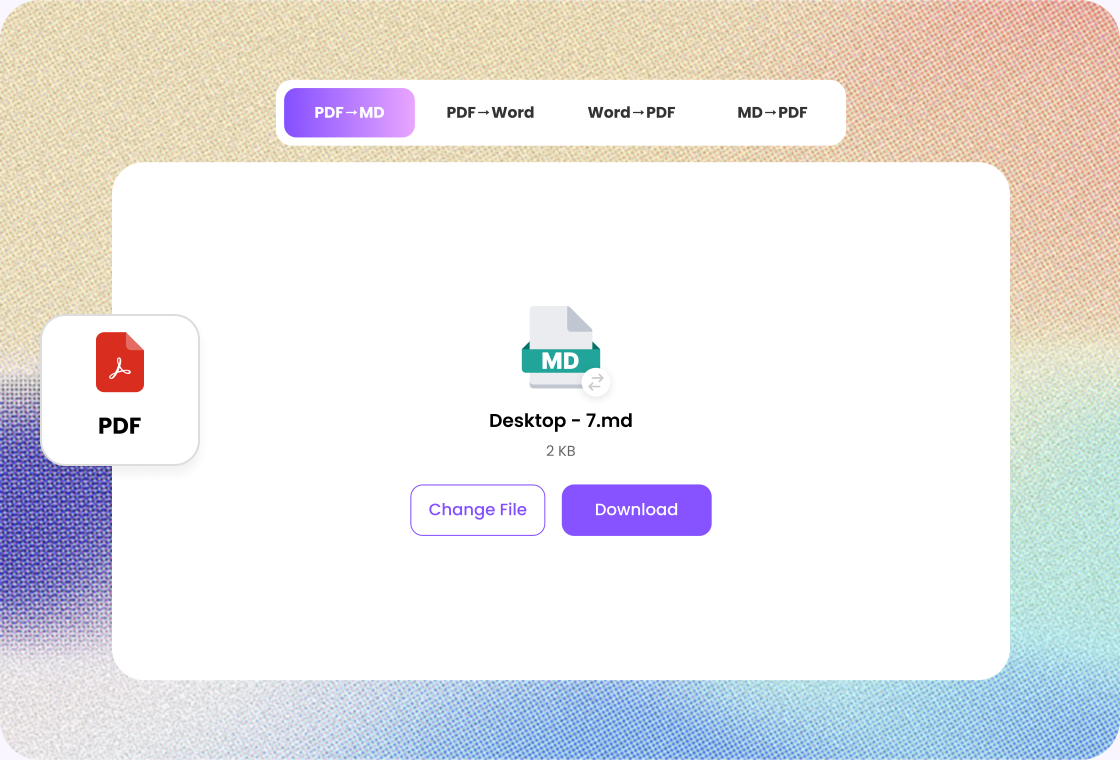
A PDF is designed to preserve a document's appearance, but that doesn't always make it easy to edit. Converting PDF to Word gives you a more flexible format for making revisions, updating information, and collaborating with others.
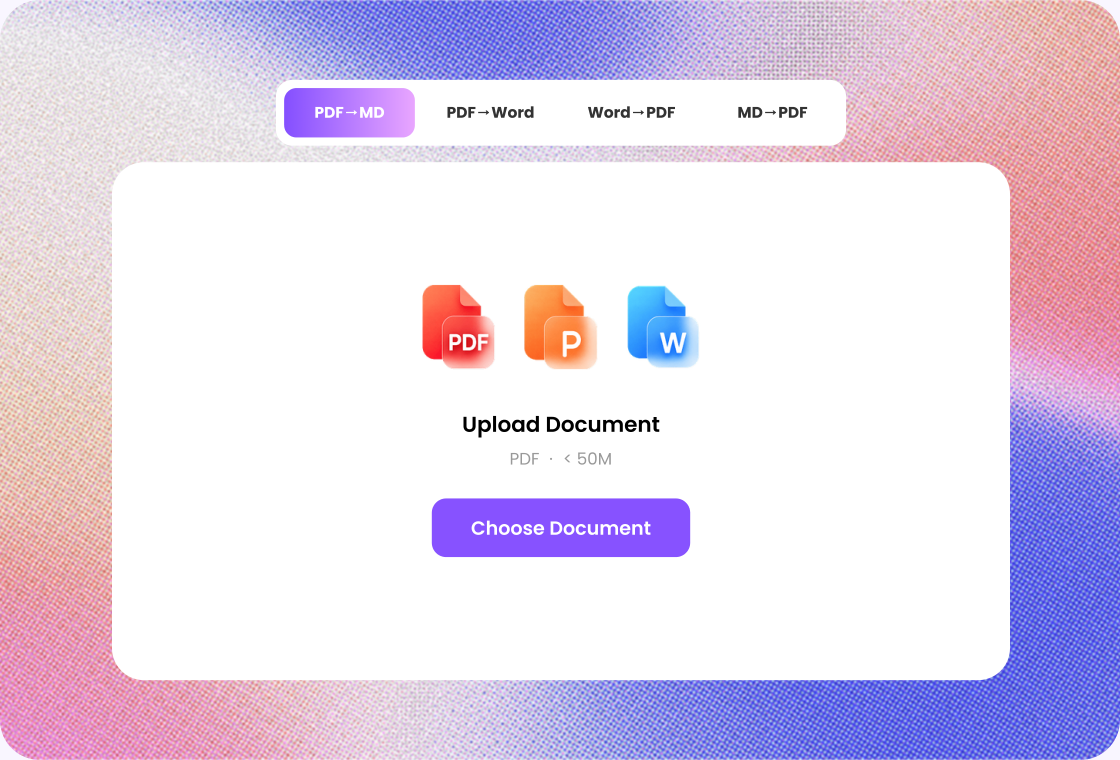
No complicated settings. No lengthy instructions. Just upload, convert, and download. Lunote AI keeps the PDF to Word process straightforward so you can get back to your work faster.
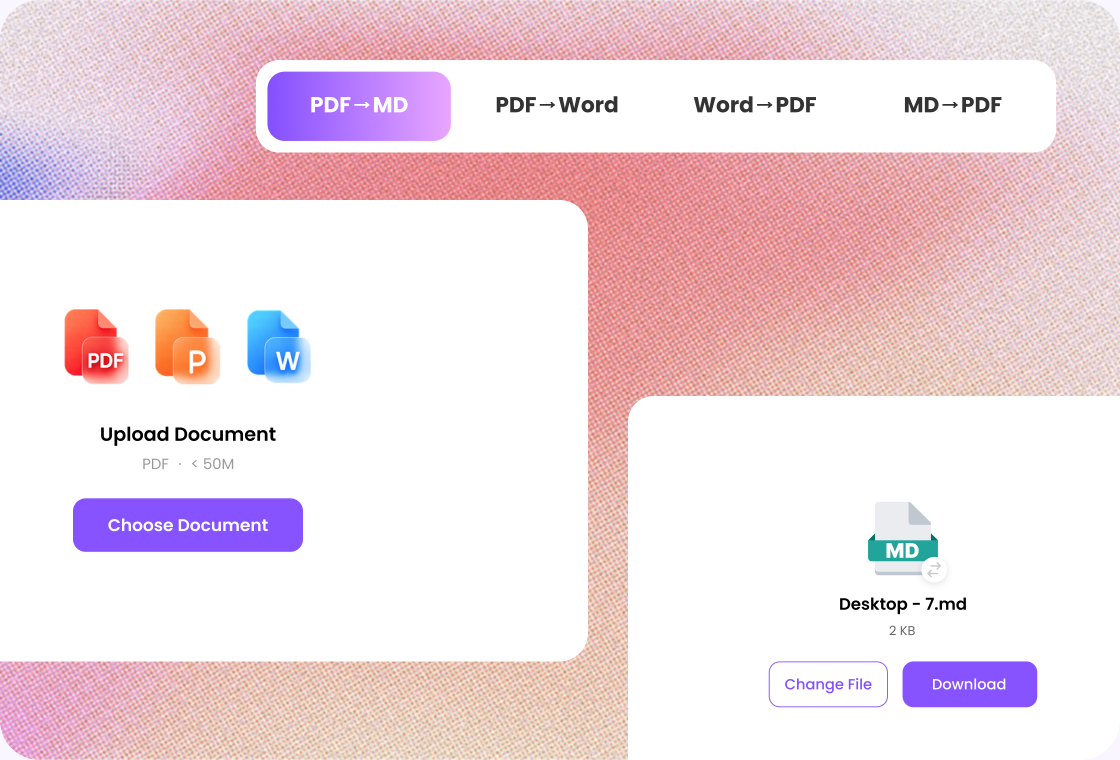

Step 1
Add the PDF you want to turn into Word.

Step 2
Start the conversion and wait for the DOCX result.

Step 3
Check headings and tables, then download the Word file.
Convert your PDF directly from your browser without installing additional desktop software.
Get your PDF content in an editable Word format that you can continue working with after conversion.
Convert PDFs from your computer or supported mobile devices without being tied to a specific operating system.
Turn PDF content into a format that's easier to edit, update, and reuse for your next task.
Skip complicated settings and unnecessary steps. Upload your file and convert it with a straightforward workflow.
Get a Word document you can save, edit, share, and continue working on after conversion.

Project Coordinator
“When a reference PDF needs comments and updates, I convert it to Word in Lunote. I still check headings and tables before I share the draft.”

Teacher
“Old handouts arrive as PDFs I cannot edit. Lunote gives me a Word file I can update, then I review the layout before class.”

Operations Analyst
“Teammates often need a report in Word. The conversion is the easy part; I still verify each table against the original PDF.”

Nonprofit Coordinator
“I do not keep a desktop PDF editor for occasional edits. Lunote turns the file into Word so I can revise and send it on.”

Developer
“When a spec only exists as a PDF, converting it to Word gives me a draft I can comment on without rebuilding the outline.”
After converting a file, continue with AI detection, rewriting, questions, or video transcripts in Lunote.
To convert a PDF to Word, upload your PDF to the converter, select Word as the output format, and start the conversion. Once processing is complete, download your editable Word document.