Convert Markdown Files
Upload a Markdown file or paste your content directly into the converter. Your headings, paragraphs, lists, links, and other supported Markdown elements can be rendered into a structured PDF.
Turn Markdown files into clean, professional PDFs in seconds. Upload a .md file or paste your Markdown, preview the result, and download a polished PDF without complicated software.
MD, MARKDOWN, TXT
< 50M
10M+Documents Processed
50 MBFile Size Limit
4.9User Rating
Upload a Markdown file or paste your content directly into the converter. Your headings, paragraphs, lists, links, and other supported Markdown elements can be rendered into a structured PDF.
You don't need to install Pandoc, a Markdown editor, command-line tools, or another desktop application just to create a PDF from your Markdown content.
Instead of sending raw Markdown syntax, create a formatted PDF with a clear document hierarchy and a presentation-ready layout.
Open the Markdown to PDF converter in your browser, upload or paste your content, and create a PDF without installing additional conversion software.
Drag your .md file into the upload area, start the conversion, and download the resulting PDF when it's ready.
Convert README files, technical documentation, meeting notes, research notes, AI-generated Markdown, project documentation, and other structured content into PDF.
Markdown is lightweight, flexible, and popular with developers, writers, researchers, and technical teams. But when you need to send your content to someone who doesn't work with Markdown, PDF is often a more convenient format.
Lunote makes the transition simple. Convert your Markdown into a readable PDF while keeping the document's hierarchy and supported formatting organized.
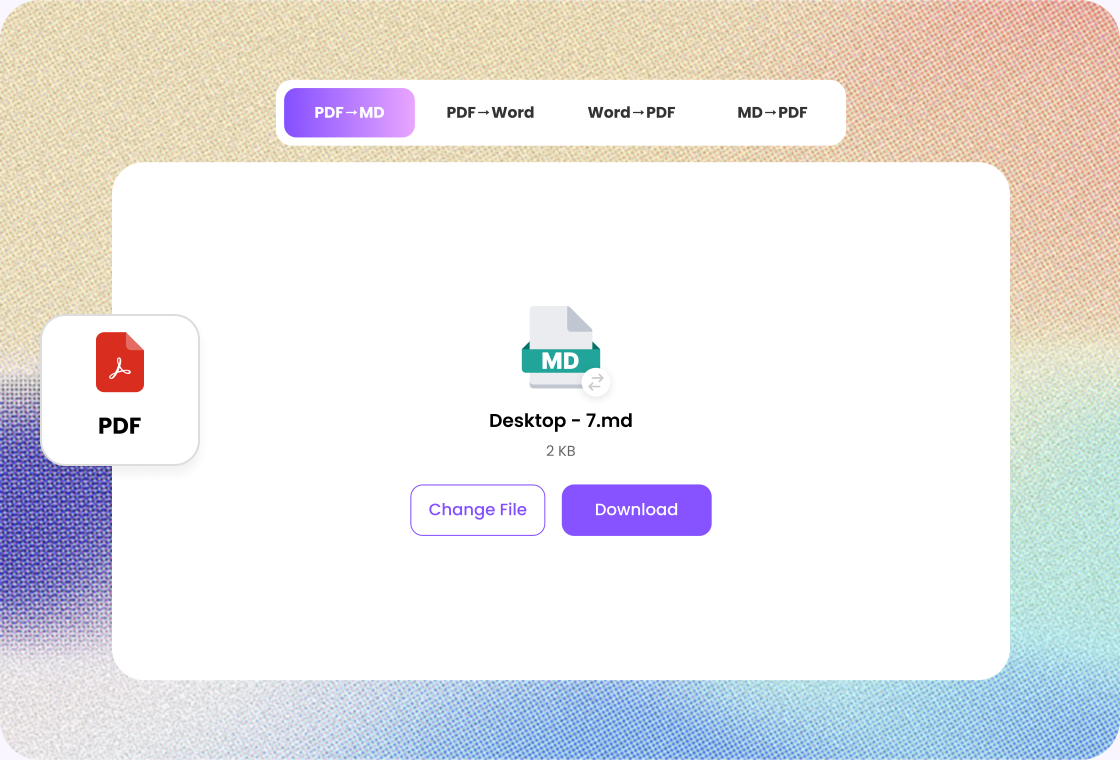
No need to copy your Markdown into a word processor and rebuild the formatting manually. Upload your Markdown file or paste your content, start the conversion, and download your PDF.
Whether you're converting a short README or a longer technical document, Lunote gives you a straightforward way to go from Markdown source to a shareable PDF.
Have a .md file ready to go? Simply drag and drop it into the converter. Lunote handles the conversion so you can spend less time dealing with document formatting and more time working on your content.
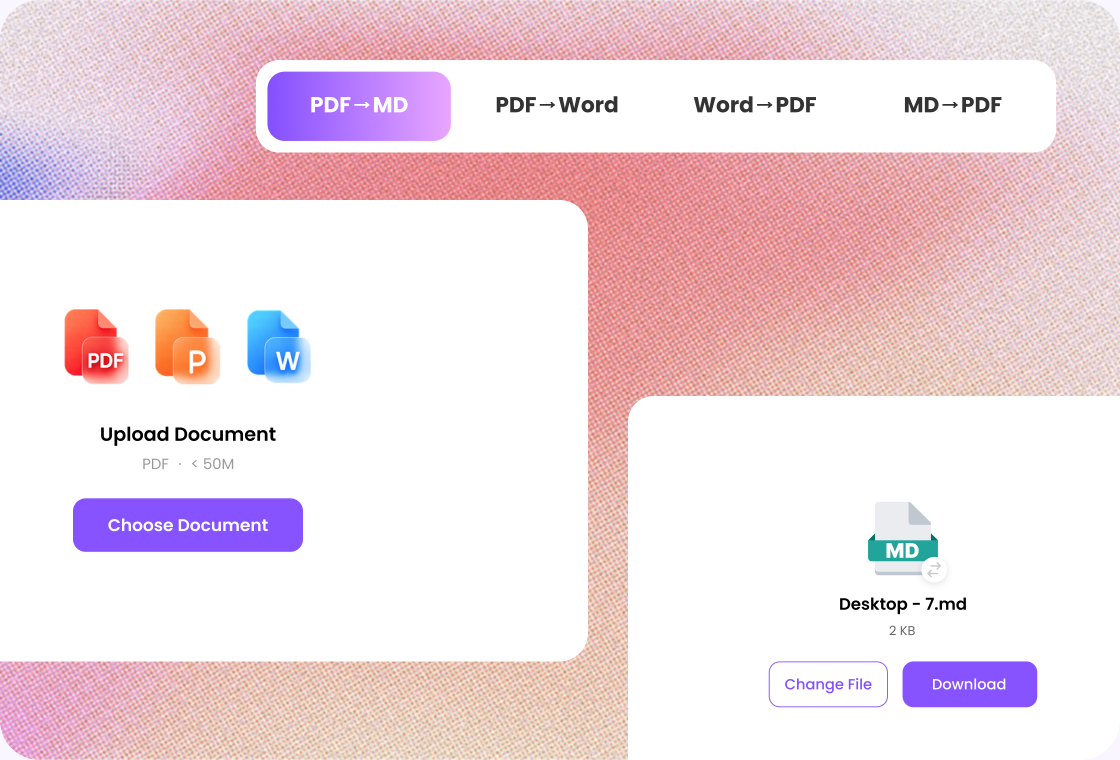

Step 1
Add a .md, .markdown, or .txt file.

Step 2
Start the conversion and wait for the PDF result.

Step 3
Check headings and lists, then download the PDF.
Convert Markdown directly from your browser without installing specialized PDF software. Upload your content, start the conversion, and create a shareable PDF from virtually any modern device.
Markdown relies on structure to communicate meaning. Lunote is designed to retain supported headings, paragraphs, lists, emphasis, blockquotes, and other Markdown elements in the converted PDF.
Turn plain Markdown into a document that's easier to read, print, share, and archive. Clear spacing, structured sections, and readable formatting help your content feel like a finished document.
Avoid complicated Markdown-to-PDF workflows involving multiple applications or manual formatting. Upload your Markdown, convert it, and download the finished PDF with just a few straightforward steps.
Work with Markdown wherever you need it. Access the online converter from a desktop, laptop, tablet, or smartphone and create a PDF without being tied to a particular operating system.
Markdown is widely used for documentation, README files, developer notes, and technical writing. Convert that structured content into a familiar PDF format that's easier to share with technical and non-technical audiences.

Developer
“Converting a Markdown draft to PDF gives teammates a file they can open immediately. I still tidy tables before I send it.”

Project Coordinator
“I keep notes in Markdown, then use Lunote when I need a PDF for a review meeting.”

Teacher
“Lesson notes start as Markdown. The PDF is what I share with the class after I check the headings.”

Operations Analyst
“Internal write-ups live in Markdown. Lunote turns them into PDFs I can attach without extra tooling.”

Nonprofit Coordinator
“I do not ask partners to open Markdown. A quick convert to PDF is enough after I scan the result.”
After converting a file, continue with AI detection, rewriting, questions, or video transcripts in Lunote.
A Markdown to PDF converter transforms Markdown text or .md files into PDF documents. It interprets Markdown elements such as headings, lists, emphasis, code, tables, and other supported syntax and renders them into a document that's easier to share and print.