Convert DOC and DOCX Files
Upload your .doc or .docx file and let Lunote handle the conversion. Whether you're converting a report, resume, proposal, letter, or business document, you can create a PDF directly from your browser.
Turn your DOC and DOCX files into professional PDF documents in seconds. 100% free, secure, and no formatting lost.
DOCX
< 50M
10M+Documents Processed
50 MBFile Size Limit
4.9User Rating
Upload your .doc or .docx file and let Lunote handle the conversion. Whether you're converting a report, resume, proposal, letter, or business document, you can create a PDF directly from your browser.
Lunote is designed for quick online Word-to-PDF conversion, so you can move from an editable Word document to a ready-to-share PDF in seconds.
Headings, paragraphs, tables, images, lists, and page structure can all be important when converting Word files. Lunote is built to maintain the document's original structure as closely as possible.
You don't need Microsoft Word, Adobe Acrobat, or another desktop PDF program installed to use the online converter. Upload your file, convert it, and download the PDF.
Converting a Word document shouldn't be complicated. Drag your DOC or DOCX file into the converter, choose the conversion option, and download your PDF when it's ready.
Use Lunote to convert Word documents online without making the process more complicated than it needs to be. Secure file processing helps protect your documents while they're being converted.
Whether you're working with an older Word document or a newer DOCX file, you can convert your document into PDF without installing additional software.
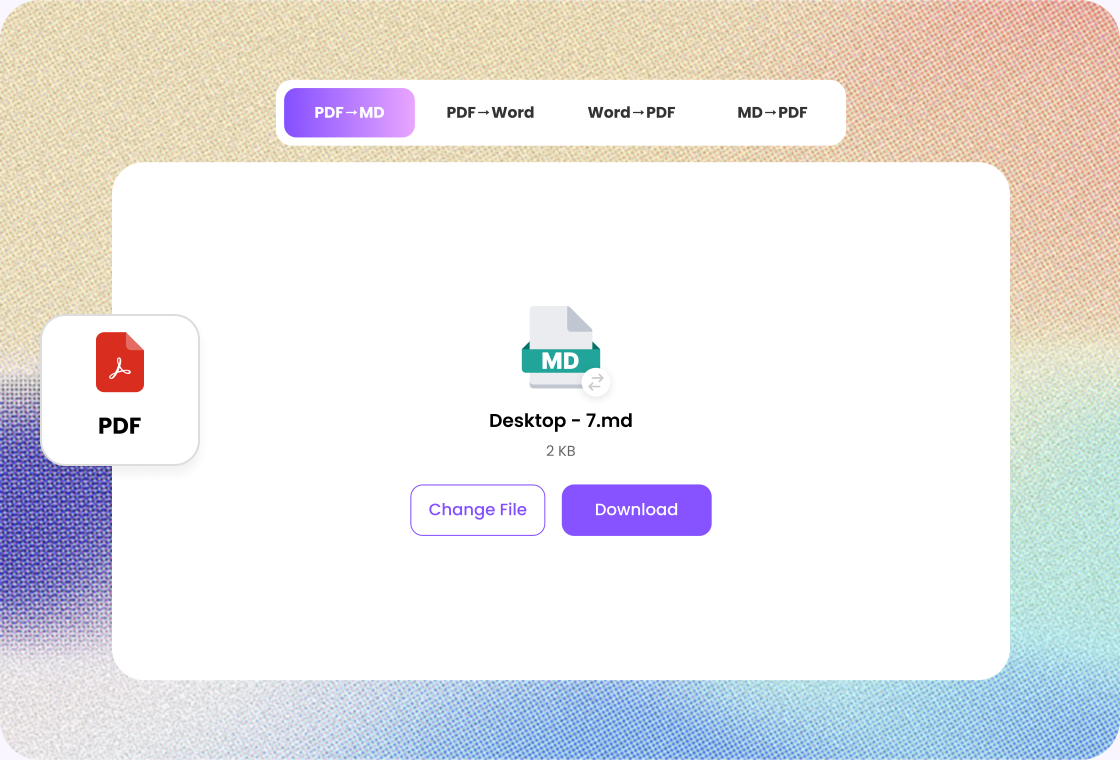
Skip complicated software and unnecessary steps. With Lunote's online Word to PDF converter, you can convert your document directly from your browser. Whether you're on a Windows PC, Mac, Chromebook, iPhone, or Android device, you can access the converter whenever you need to create a PDF from a Word file.
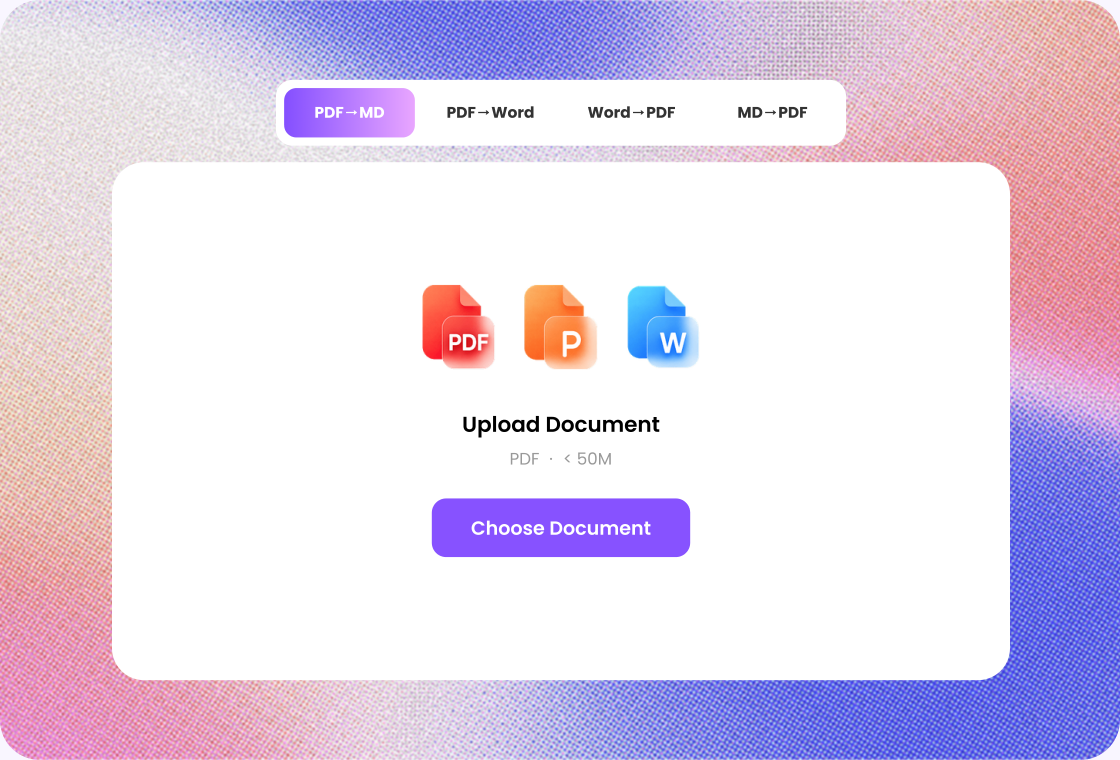
Don't waste time searching through menus or installing desktop software. Just drag your Word document into the upload area or select it from your device. Lunote takes care of the conversion so you can download your PDF and get back to work.
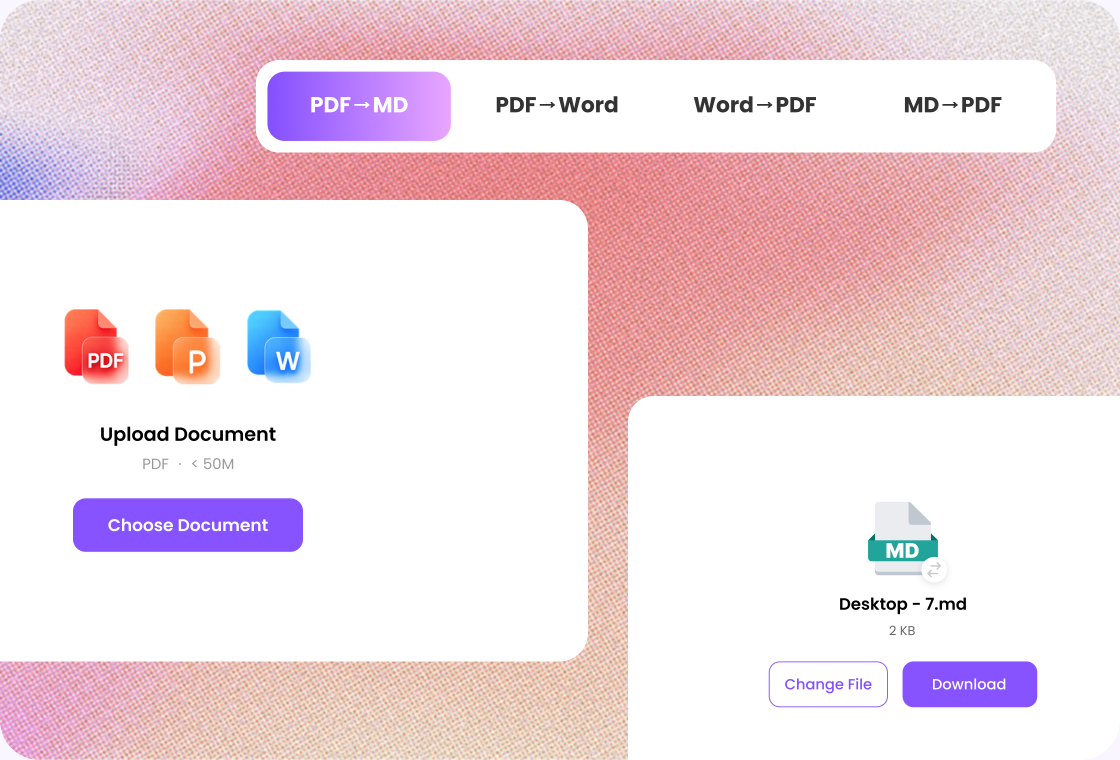

Step 1
Add the DOCX you want to export as PDF.

Step 2
Start the conversion and wait for the PDF result.

Step 3
Check page breaks and tables, then download the PDF.
Convert Word documents directly from your browser without installing additional software. Upload your DOC or DOCX file, start the conversion, and create a PDF wherever you have an internet connection.
Convert commonly used Microsoft Word formats, including DOC and DOCX, into PDF with a straightforward workflow. Whether you're working with an older document or a newer Word file, conversion stays simple.
Create PDF files that are ready to share, print, submit, or archive. Your document's text, images, headings, tables, and overall page structure are designed to remain organized throughout the conversion process.
Turn a Word document into PDF in just a few simple steps. Upload your file, start the conversion, and download the finished PDF without navigating complicated menus, settings, or technical options.
Convert Word files from a desktop, laptop, tablet, or smartphone using a modern web browser. Lunote gives you a convenient way to create PDFs whether you're working from Windows, Mac, iPhone, Android, or Chromebook.
You don't need specialized PDF software or technical knowledge to convert your files. Lunote keeps the process straightforward, making it easy for students, professionals, businesses, and everyday users to create PDFs.

Operations Analyst
“When a report is ready to share, I export it to PDF in Lunote. I still check tables and page breaks against the Word file first.”

Nonprofit Coordinator
“Partners do not always have Word. Lunote gives me a PDF I can send after a quick review of the converted pages.”

Teacher
“I keep working in Word, then convert to PDF for the version students download. The headings stay easy to follow.”

Project Coordinator
“Lunote is the last step before I circulate a document. The PDF is what people open; the Word file stays with the team.”

Developer
“Specs I write in Word become PDFs for review. I glance at page order, then send the file without installing another exporter.”
After converting a file, continue with AI detection, rewriting, questions, or video transcripts in Lunote.
A Word to PDF converter is an online tool that turns Microsoft Word documents, such as DOC and DOCX files, into PDF files. PDFs are commonly used for sharing, printing, submitting, and archiving documents because their layout is designed to remain consistent across devices.