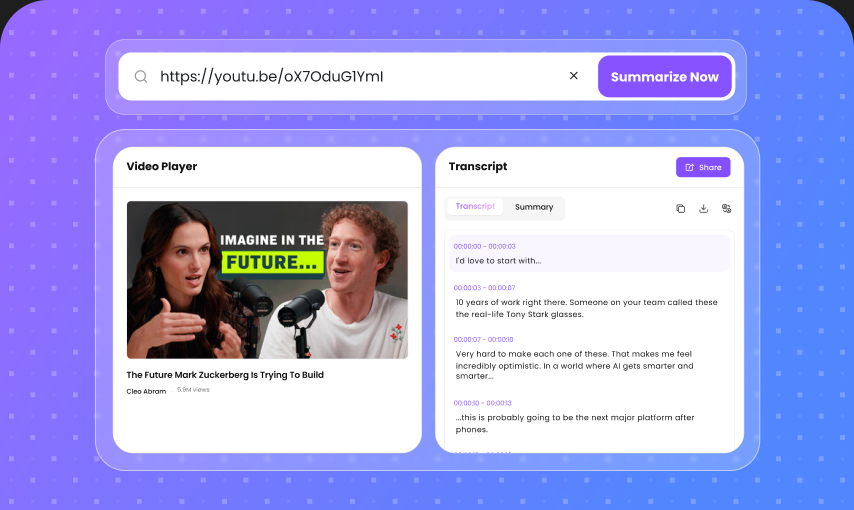
20+ Formats Supported
Work with the files you already use. Upload documents, PDFs, audio recordings, videos, and other common formats without converting them first.
用 AI 把文档、视频、音频和文本变成清晰、有条理的笔记。几秒内提取关键观点、摘要和可执行洞察——无需手动记笔记。
拖入文件,或点击上传
Top3Notes Generated
370K+Hours Saved Monthly
4.9Average User Rating
Work with the files you already use. Upload documents, PDFs, audio recordings, videos, and other common formats without converting them first.
Get more than a block of text. AI organizes your content into headings, key points, summaries, lists, and important details that are easy to scan.
Ask questions about your source material and get answers based on your notes. Find specific information without searching through the entire document or recording.
Stop pausing videos or typing everything during a meeting. Let AI capture the important information while you focus on listening, learning, or getting work done.
Keep visual information alongside your written notes. Capture important images, charts, screenshots, and other visual content when supported by your source file.
Generate and organize notes from content in multiple languages. Useful for international students, multilingual teams, researchers, and global content.
Your notes stay connected to the original content. Review the source, verify important details, and quickly return to the information behind each insight.
Your uploaded content should stay yours. We use security-focused practices to help protect your documents, recordings, transcripts, and generated notes.
Upload a document, audio file, video, or other supported content and let AI identify the main ideas, important details, and useful takeaways. Get organized notes without starting from a blank page.
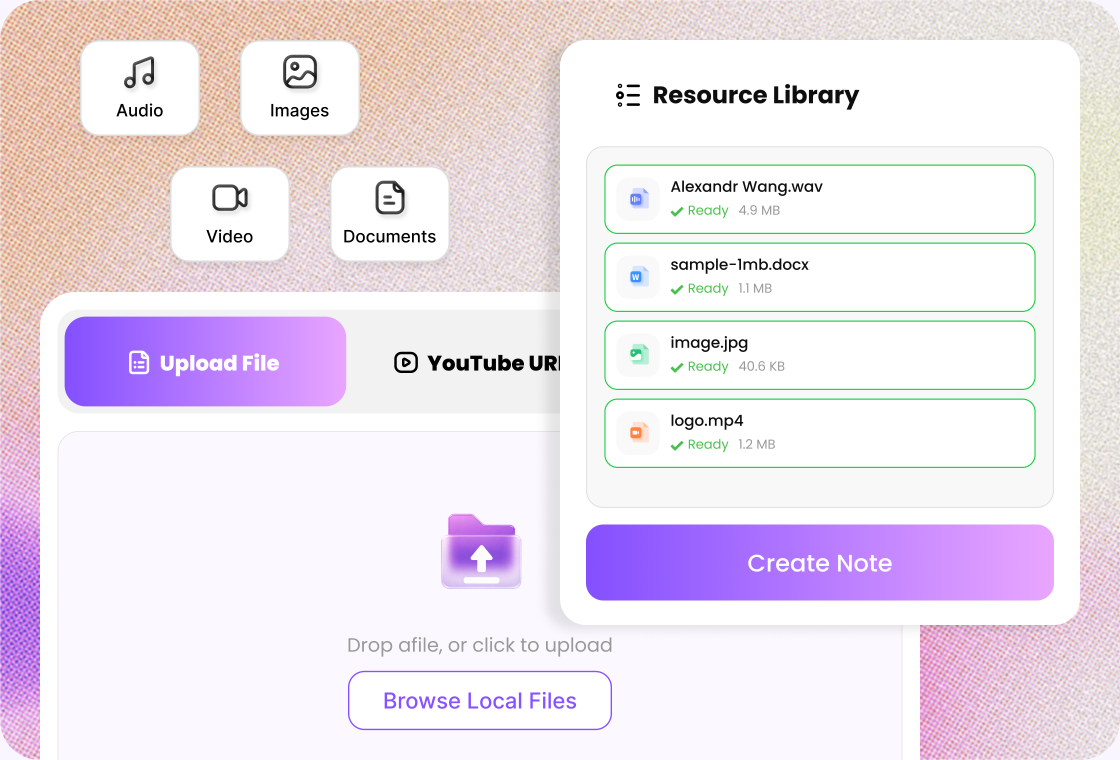
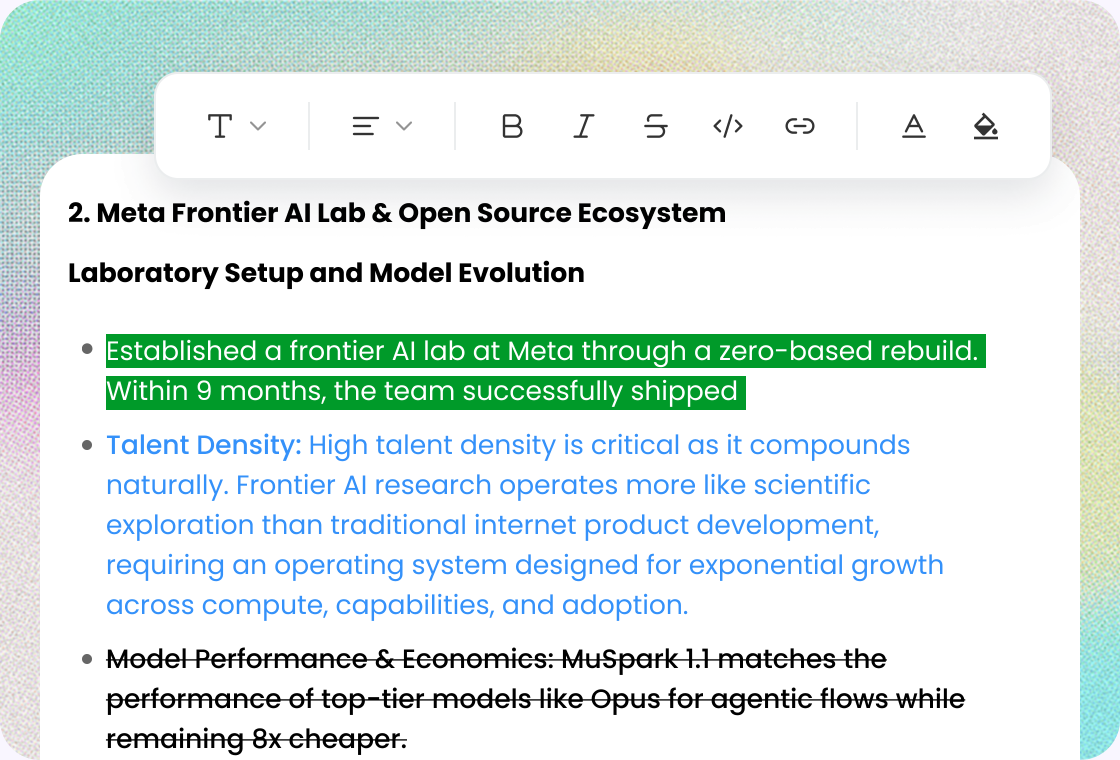
Turn lengthy content into clean, readable sections with headings, bullet points, summaries, and key information. Structured formatting makes your notes easier to scan, review, and share.
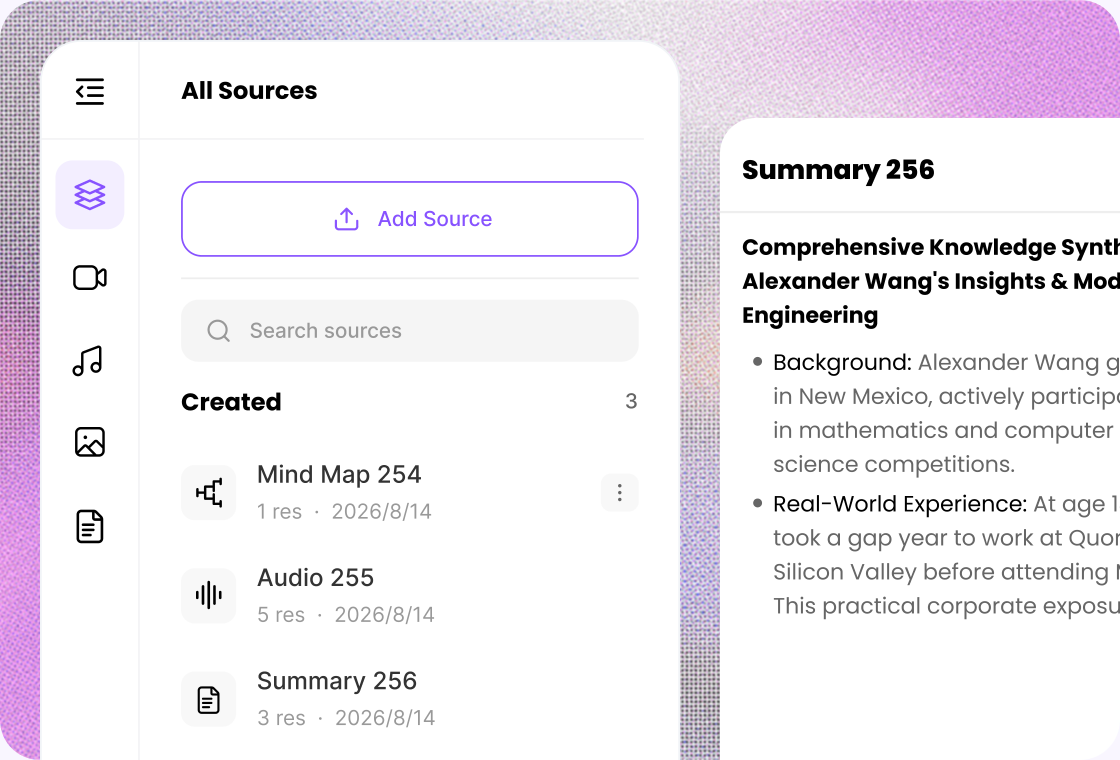
Don't stop at a summary. Ask questions about your source material, explore specific topics, clarify complex ideas, and quickly find the information you need from your generated notes.
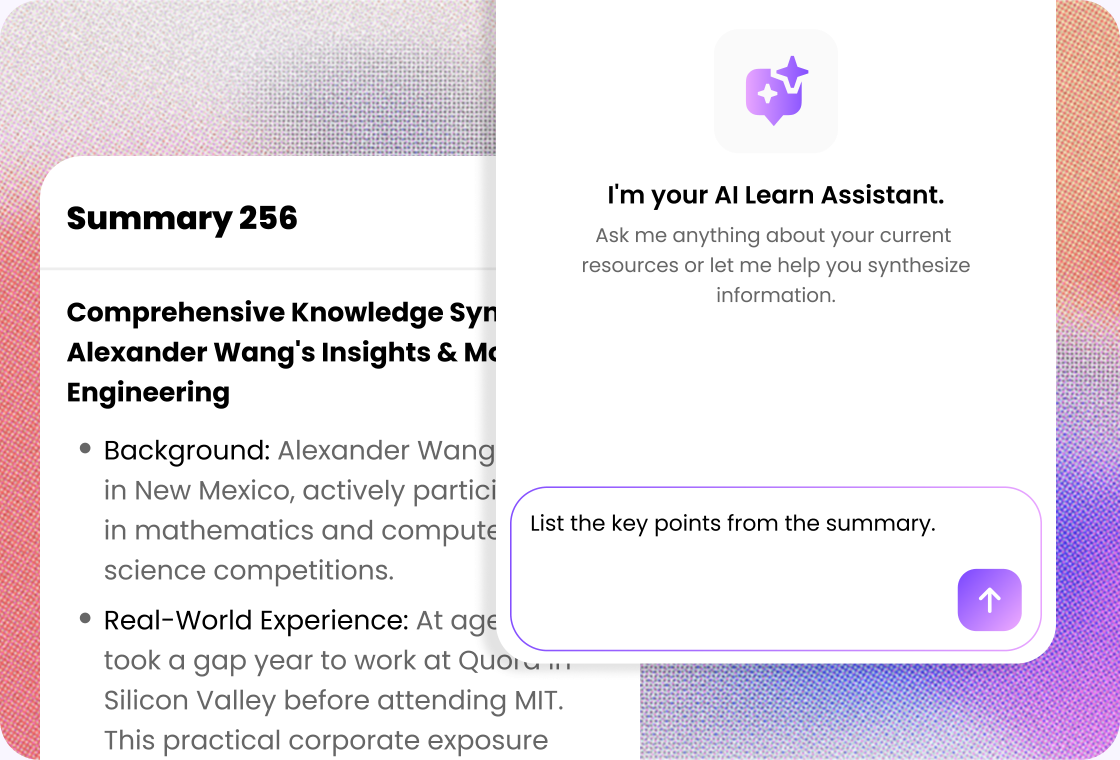
Make your notes work the way you want. Edit sections, refine summaries, add your own thoughts, and organize the final result into a format that fits your workflow.

Upload a file, paste a link, or add text you want to turn into notes.

Let AI extract structure, key points, and takeaways from your material.

Edit, copy, or continue into flashcards, summaries, and Q&A in your notebook.
Turn lectures, study materials, videos, and readings into organized study notes. Spend less time copying information and more time understanding what you learn.
Create concise lesson notes, organize teaching materials, and quickly summarize long educational content for classes, reviews, and course preparation.
Process lengthy papers, interviews, recordings, and reference materials more efficiently. Extract key findings and organize important information for further research.
Turn interviews, podcasts, videos, research, and transcripts into structured notes you can use for scripts, articles, videos, and new content ideas.
Capture the important points from meetings, presentations, interviews, webinars, and business documents without spending hours writing everything down manually.
Create consistent, shareable notes from meetings and collaborative work. Keep key decisions, discussion points, and follow-up tasks easier to find.

College Student
“I use Lunote's AI note generator to turn long lecture recordings into clear, structured notes. It saves me from typing everything by hand, helps me focus on the main ideas during class, and gives me an organized starting point for exam review.”

Research Assistant
“Lunote helps me organize research papers and interview recordings into structured notes for each project. I can compare recurring findings, group related ideas, and keep the material easier to navigate when I start drafting a report or checking a source.”

Content Creator
“I turn webinars and YouTube videos into organized notes with Lunote. Having the main ideas arranged by topic makes it easier to find useful examples and revisit promising angles when I plan new content.”

High School Teacher
“Lunote turns lesson materials into clear notes that I can adapt for class. It saves preparation time and gives me a useful starting point for review sheets, discussion prompts, and learning activities.”

Project Manager
“After long meetings, I use Lunote to organize the discussion into notes my team can review. Clear sections make it easier to revisit decisions, follow the conversation, and prepare for the next update.”
Quick tasks? We’ve got you covered. Use our free standalone tools to boost your daily productivity.
An AI Notes Generator is a tool that uses artificial intelligence to turn documents, text, audio, video, transcripts, and other content into organized notes. Instead of manually writing down every detail, you can let AI identify key points, summarize important information, and structure your notes automatically.